Category: SignTraker Pro Tips

04 May 2020

Sign Installation Experts

Can we edit or replace installation photos after an order has been installed?

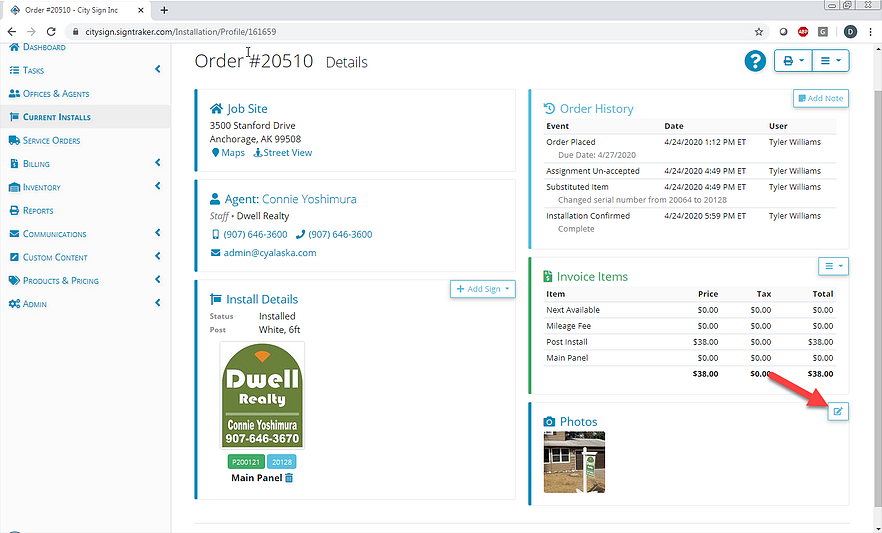
Q: Can I upload pictures to an installation order after the order has been completed? Is this possible? This came up because an installer forgot to take a picture but I wanted to complete the order same-day in the system. -Tyler   A: Tyler, yes, you can. This issue does comes up from time to… Continue reading Can we edit or replace installation photos after an order has been installed?

Loading

01 Mar 2020

Sign Installation Experts

Calculating and Reporting Compensation for Your Installers

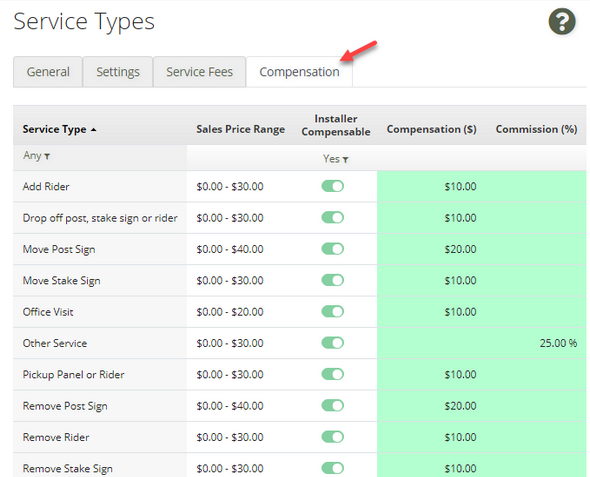
One of the most important aspects of operating a sign installation business is creating compensation plans that enable you to pay your installers in a manner that recognizes their experience, other non-sign installation contributions to your company (such as having management responsibilities), personal vehicles use, or the territory that they serve for your company.  … Continue reading Calculating and Reporting Compensation for Your Installers

Loading

21 Jan 2020

Sign Installation Experts

Auto-Assignment Methods for Installers

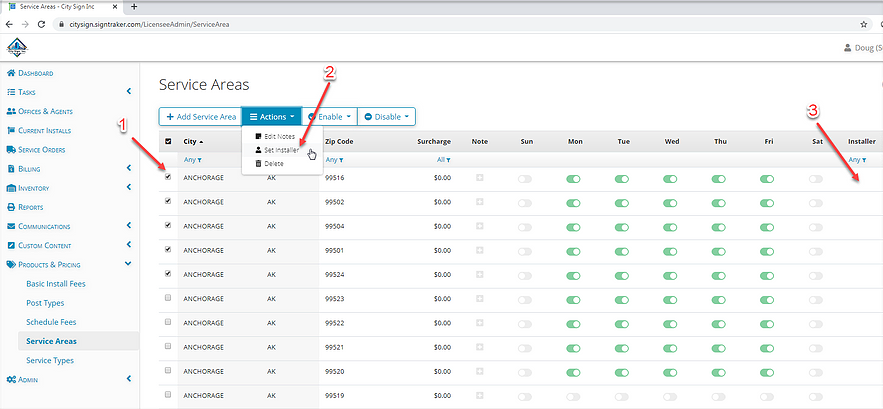
One of the more flexible and important capabilities of SignTraker is auto-assignment of the various work tasks to your available staff– either Installers, or other general service persons. This article describes the two primary methods for automatically assigning work within your SignTraker.   First, what does each person do? Each person in your company (“Team… Continue reading Auto-Assignment Methods for Installers

Loading

06 Jan 2020

Sign Installation Experts

What Do “Renamed Agents” in My QuickBooks Desktop Export Mean?

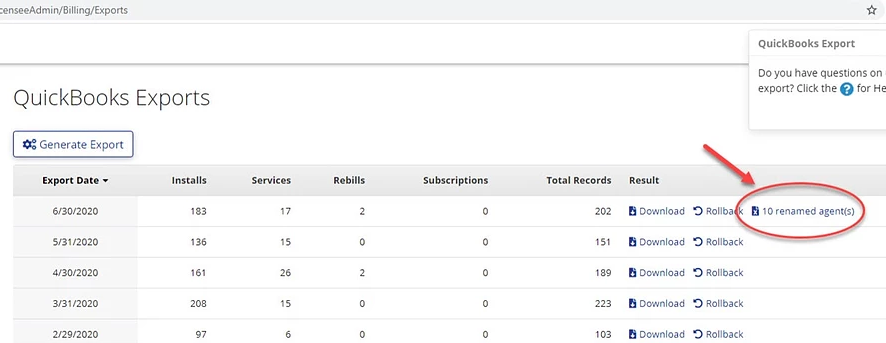
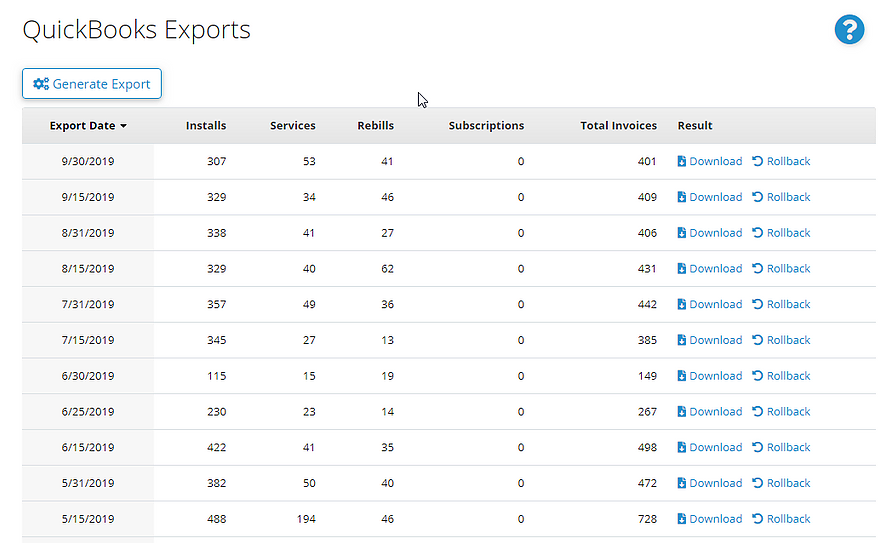
Q: I just ran our monthly billing and came up with 10 renamed agents. You touched on this briefly during training, but since it didn’t come up subsequently, I can’t remember what I’m supposed to do with these?  A: Hi Mandy! The Renamed Agents file tells you what names need to be updated in your… Continue reading What Do “Renamed Agents” in My QuickBooks Desktop Export Mean?

Loading

19 Nov 2019

Sign Installation Experts

Avoid Charge Backs, Name your Company!

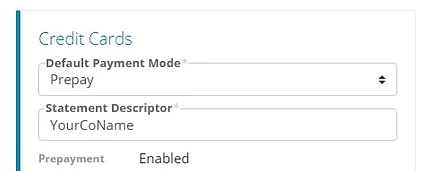
If you charge your customers upon ordering (i.e., “prepayment”), it is now possible to stipulate the company name you would like to show on your customer’s credit card statements. This can greatly clarify things for your customers and help you avoid a charge back (fee reversal).   To accomplish this, update the “Payment Descriptor” variable,… Continue reading Avoid Charge Backs, Name your Company!

Loading

18 Nov 2019

Sign Installation Experts

Use a Convenience Fee to encourage use of your on-line capability

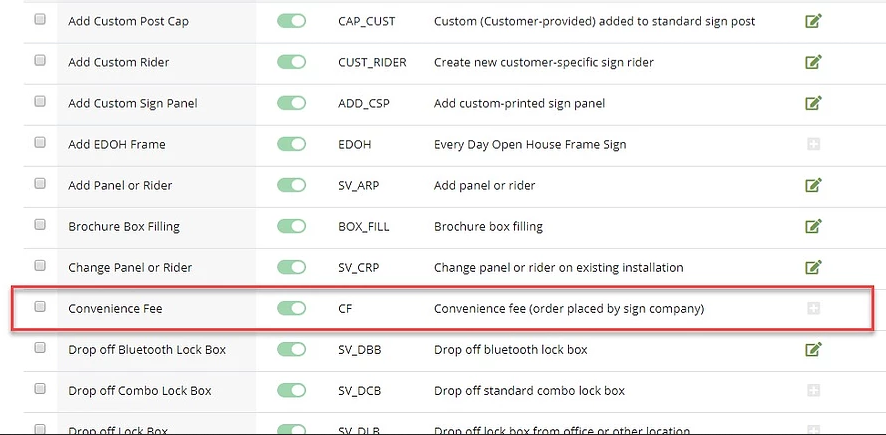
Q: “I see a service called ‘Convenience Fee’. What is this fee for?”   A: Sometimes, it doesn’t matter how convenient your online service is, your customers may still call you. While it’s generally a great thing when your customers call you– versus when the phone lines are being silent!– if you have limited office… Continue reading Use a Convenience Fee to encourage use of your on-line capability

Loading

03 Nov 2019

Sign Installation Experts

Is your client locked out of their SignTraker account? Here’s how that can happen.

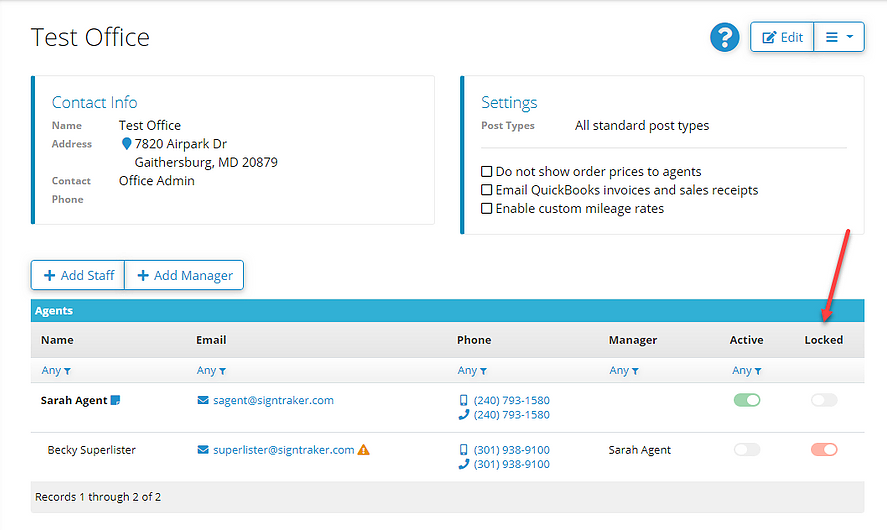
Q: My customer called me and said they are locked out of their account. What can cause this?   A: Your client can be locked out of SignTraker for one of three reasons:   #1 You locked them out. The most obvious reason is that you have locked them out. For example, you might do… Continue reading Is your client locked out of their SignTraker account? Here’s how that can happen.

Loading